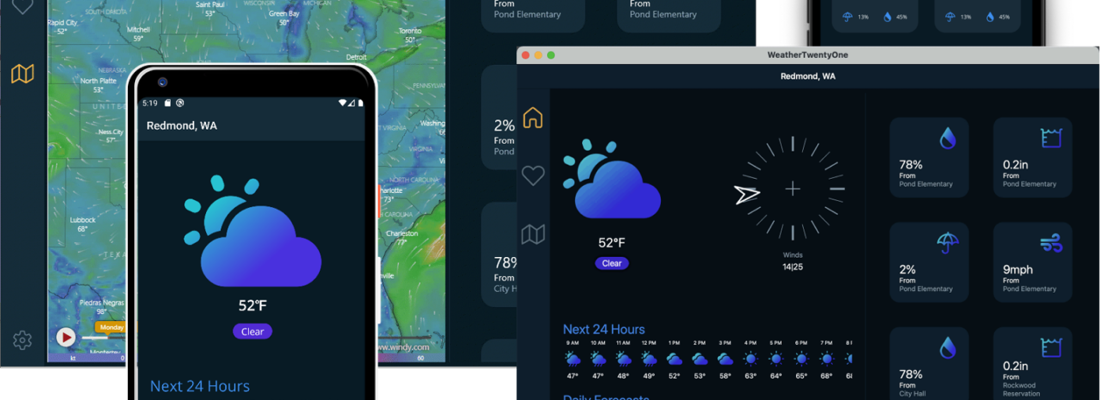
Have you ever wondered what the correct way to exit an .NET MAUI app on different devices looks like?
Application.Current.Quit wont work on iOS or Android - and that has a simple reason: by design, the philosophy on mobile devices is that apps simply should not quiet themselves. Because a coldstart of an app takes a little longer than just re-activating it.
But when you have a professional looking navigation menu, an "Exit" item would look even more professional. What a dilemma. If you don't care about the "mobile apps should not quite themselves" philosophy then here's the way to do so.
First we need an interface like
    public interface IExitService
    {
        void Exit();
    }
Now we need three different implementations. One for Android, one for iOS and another one for the Desktop version. Let's start with the Android implementation first:
#if ANDROID
    public class AndroidExitService : IExitService
    {
        public void Exit()
        {
            Android.OS.Process.KillProcess(Android.OS.Process.MyPid());
        }
    }
#endif
For iOS we do
#if IOS
    public class IOSExitService : IExitService
    {
        public void Exit()
        {
            UIApplication.SharedApplication.PerformSelector(
                new ObjCRuntime.Selector("terminateWithSuccess"),
                                         UIApplication.SharedApplication);
        }
    }
#endif
And here's the implementation for the desktop
#if WINDOWS || MACCATALYST
    public class DesktopExitService : IExitService
    {
        public void Exit()
        {
            Application.Current!.Quit();
        }
    }
#endif
Now we need to register those implementations with the .NET DI container, done in MauiProgram.cs
        public static MauiApp CreateMauiApp()
        {
            var builder = MauiApp.CreateBuilder();
            builder
                .UseMauiApp<App>()
                .UseMauiCommunityToolkit()

            // ....

#if WINDOWS || MACCATALYST
        builder.Services.AddSingleton<IExitService, DesktopExitService>();
#elif ANDROID
        builder.Services.AddSingleton<IExitService, AndroidExitService>();
#elif IOS
        builder.Services.AddSingleton<IExitService, IOSExitService>();

            // ...

            return builder.Build();
        }
Now we can inject the ExitService to our ViewModel and simply call Exit where needed
 public partial class DashboardViewModel : ObservableRecipient
    {
        private readonly ModalErrorHandler _errorHandler;
        private readonly IExitService _exitService;

        public DashboardViewModel(ModalErrorHandler errorHandler, IExitService exitService)
        {
            _errorHandler = errorHandler;
            _exitService = exitService;

            // further initializations as needed
        }

        // ... other ViewModel implementations

        [RelayCommand]
        public void OnExit()
        {
            _exitService.Exit();
        }
    }